qrfi
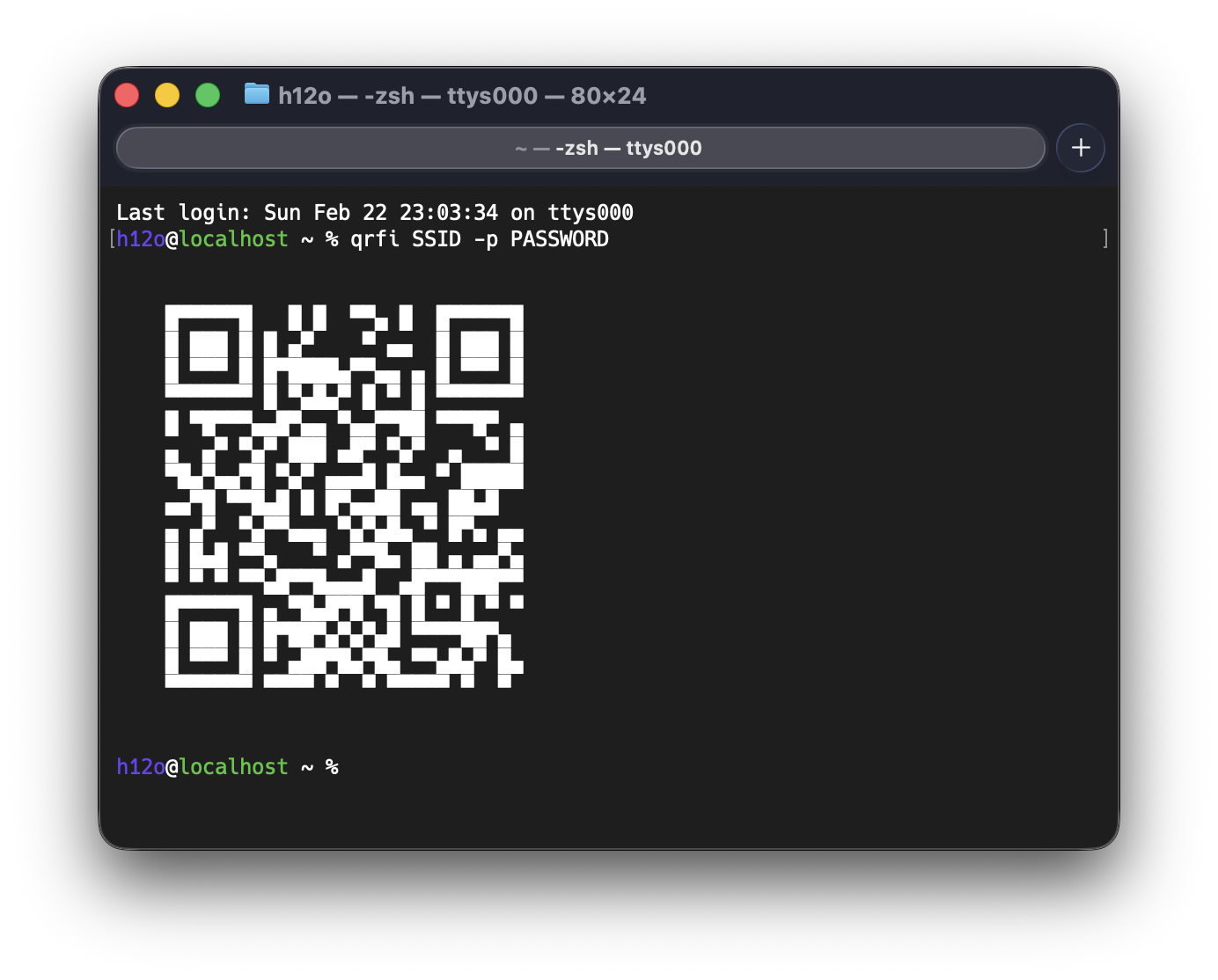
qrfi is a CLI Wi-Fi QR Code Generator.
Why this version?
- Privacy First: Generates codes 100% locally. No passwords ever leave your machine.
- No Runtime Required: Just a single binary.
- High Performance: Instant startup and QR generation.
Prerequisites
CLI
- Rust 1.93.0+ (Edition 2024)
Scanning Device
- Android
- iOS 11+
Installation
From Homebrew (macOS or Linux)
brew tap h12o/repo
brew install h12o/repo/qrfi
From crates.io (Recommended for Rust Users)
cargo install qrfi
From Source
cargo install --path . --root <your favorite directory, e.g. ~/.local>
Usage
Basic
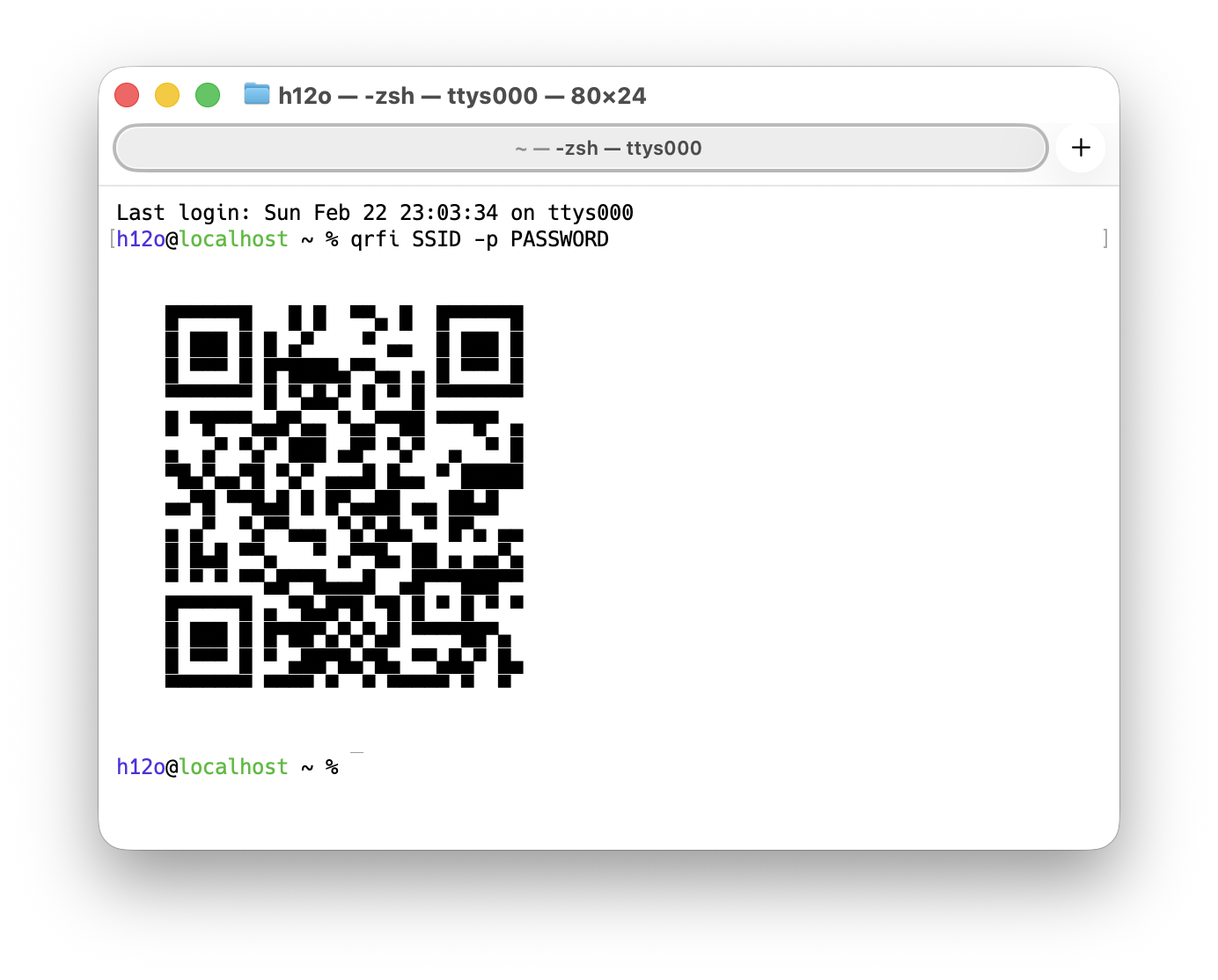
qrfi SSID -p PASSWORD
Piping from Other Commands
echo SSID | qrfi -p PASSWORD
Save as PNG
qrfi SSID -p PASSWORD --format png > qr.png
Supported Formats of QR Code
- default: ascii
- possible values: ascii, png, svg
Options
See the result of qrfi -h.
Development
git clone https://github.com/h12o/qrfi
cd qrfi
cargo test
Tips: You can also use cargo run -- during development.
Contributions
Issues and pull requests are welcome.
License
Licensed under the MIT License. See LICENSE.md for details.
Trademarks
QR Code is a registered trademark of DENSO WAVE INCORPORATED in Japan and in other countries.
Acknowledgements
Inspired by @kamataryo’s kamataryo/qrfi, implementation using Node.js.
Referenced from @zxing’s Barcode Contents > Wi-Fi Network config (Android, iOS 11+) in zxing/zxing.